The Pomodoro Technique: Slicing Time Like a Tomato

I'm going to skip the "the Pomodoro Technique is a magic bullet" pitch, because you've read that version and it didn't stick. Let me start from the thing that's actually true for most of us at a desktop: the day doesn't add up. You were here all day, the laptop was open the whole time, and yet at 5 p.m. you can't name three things you finished. Not because you were lazy. Because nothing bounded your attention, so it just leaked.
The Day That Doesn't Add Up
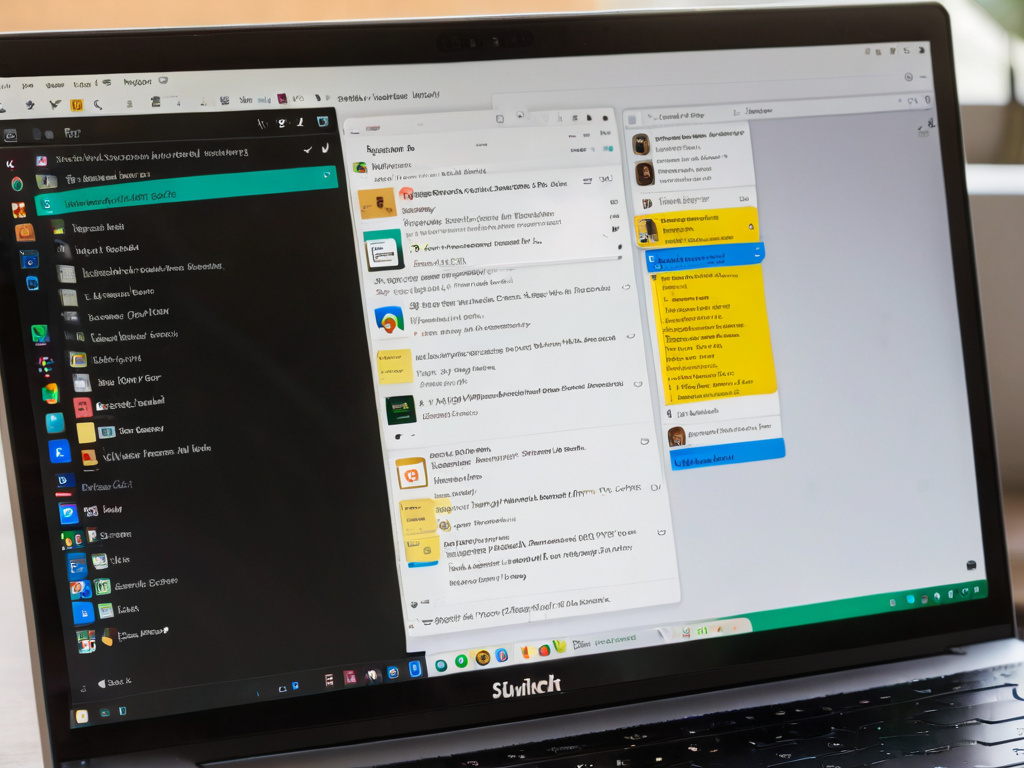
Think about how a "focused" hour actually goes. You sit down to work on the one task that matters. A few minutes in, a message lands and you answer it — reasonable, it was quick. Then you open a tab for a quick look at something and it becomes a ten-minute detour. Then you realize you need a file from another project, so you flip over there, and while you're there you catch up on two emails. By the time you're back on the original task, your brain has to re-orient: what was I doing, where did I get to, what was the next step?
Each of those hand-offs feels small in the moment. That's the whole trap. A distraction doesn't announce itself as a distraction; it announces itself as "one more quick thing." Stack enough of them across a session and the hour you blocked out for deep work quietly becomes something else, with no record of where it went. You're left at the end of the day guessing, from a feeling, what you actually did.
Measuring by Interruptions, Not Mood
The shift that finally made this concrete for me was changing the question. Stop asking "how did today feel?" and start asking "what interrupted today?" A day isn't a mood. It's a sequence of moments, and the ones you lose aren't usually gone to anything dramatic. They're gone to the small hand-offs: the tab, the message, the second window you kept open so you wouldn't have to re-find it later.
You can't fix what you can't see, and nothing in a normal workflow counts these moments for you. A to-do list tells you what exists. It doesn't tell you what's happening right now, and it certainly doesn't stop anything from interrupting you mid-task. So the fix isn't a stronger will or a better list. It's two small mechanical things: make the unit of work bounded so the interruptions have a wall to hit, and record each unit as it ends so the day writes itself down instead of evaporating.
The 25-Minute Slice
That's what the Pomodoro Technique actually is, stripped of the mythology. Pick one task. Work on it for a fixed block of 25 minutes. When the block ends, stop — even mid-sentence — and take a real five-minute break where you get off the desk. Then start the next slice.
Why those two numbers? Because 25 is long enough to make genuine progress but short enough that "five more minutes" never turns into "I'll just start one more thing first." And the five-minute break isn't a reward you have to earn; it's part of the unit. You're not working continuously and hoping your focus holds; you're working in slices, each with a defined end that doesn't depend on how you feel.
The boundary is the point. When the 25 minutes are up, you don't negotiate with yourself. The timer has already decided, so there's no internal debate about whether you've "earned" to stop or whether you should push five more minutes. The wall takes that decision off your plate.
The Part Most People Skip
Here's where a bare countdown on your screen stops being enough. The moment a block ends is the moment you decide what you just did. If you don't capture it in that instant, you've lost the record of your own day — and you're back to guessing at 5 p.m., which is exactly the problem we started with.
So each slice needs a ten-second close: one question, answered in a line or two. What have you been doing? That's it. Not a timesheet, not a project code, not a category to pick from a dropdown. One sentence about what the last 25 minutes were actually for. Do that at every boundary and the day assembles itself into a running log — what you worked on, in the order it happened, without you ever sitting down to "do time tracking."
Making It Real in the Browser
This is where I land with Quick Time Management — and I'll be precise, because "a Pomodoro app" is doing a lot of vague work in that phrase.
It runs in the browser. Nothing to install, nothing to keep updated, and the free account gives you one board up front with no credit card asked for — there's a Premium tier if you ever outgrow it, but you don't need it to start.
The focus side is the 25-minute slice above. When a block ends, it doesn't quietly tick over in a corner of your screen; it fires a browser push notification, so the boundary is something you actually notice even if you've drifted into a tab. Then comes the ten-second close I just described — one question at the end of every session, what have you been doing, answered in a line or two.
Because each slice records itself, there's a history page built straight out of those check-ins. No timesheets to configure, no projects to set up, no "which codebase was that against?" Just a running log of what you actually worked on. Once a week, that log becomes an email — a productivity report of your own week — so "what did I do this week?" gets an answer made of tasks, not a feeling.
The Other Half of the Day
The timer handles the focus; the other half of the day is the pile of open tasks. That's the kanban board: four columns — ToDo, Doing, Waiting and Done. You drag a card between them as it moves, double-click to edit it, and set a priority on each one so the top of the list isn't just whatever you added last.
The reason I keep the two together is that they answer different questions. The board answers "what's next?" The timer answers "what am I doing right now, and what did I actually do?" A to-do list with no focus unit lets you stare at the pile all day without finishing. A focus unit with nowhere to put the rest of the work leaves you with finished blocks and no sense of where they went. One person, one board, one timer — that's the whole system, and it lives in the tab you already have open.
The Part I Won't Put a Number On
I'm going to leave out the bit every productivity post wants to include: the before-and-after figures. I don't have a clean measurement of "hours reclaimed," and I'd rather not invent one. What I can tell you is what changed in practice, and it's smaller and more specific than a headline number would be. The end-of-day guesswork went away, because the day writes itself down in ten-second check-ins. The "just one more thing" loop got a wall — the 25-minute boundary — that I stop at instead of sliding through. And the weekly email means I can look back at a week and see tasks, not a mood.
That's the whole trick, and it transfers whether or not you use this particular tool: bound the work into fixed slices, get off the desk between them, and record what each slice was. The rest is just keeping the slices honest.
If this was useful, Get Quick Time Management. No pressure — read it whenever it's useful.
Spot a bug or want a custom utility built? I'd love to hear from you. Get in touch